 Tacet
You know what to say. Typing it takes time.
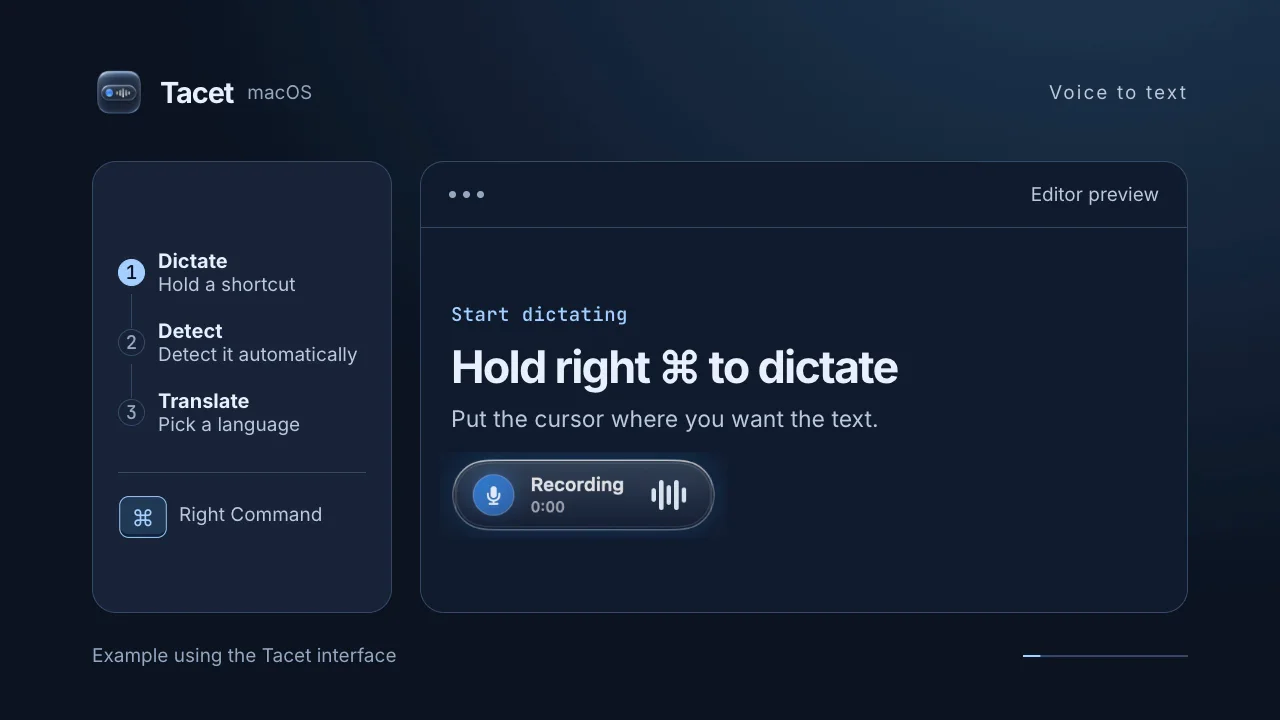
Put the cursor in a chat, email or draft. Hold right ⌘ and say what you want to write. Tacet inserts the words when you let go.
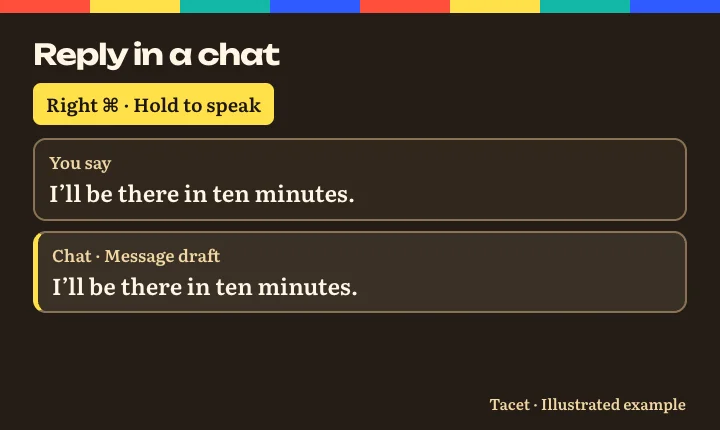
Hold the right ⌘ key, speak, then let go. Tacet puts your words into the chat, email or document you already have open.
Need to change a sentence? Select it and say what to change.
Free download · 16–17 MB · macOS 14+ · Apple silicon and Intel
Right ⌘
Choose an example. Dictation runs in the Mac app.
Put the cursor in a chat, email or draft. Hold right ⌘ and say what you want to write. Tacet inserts the words when you let go.
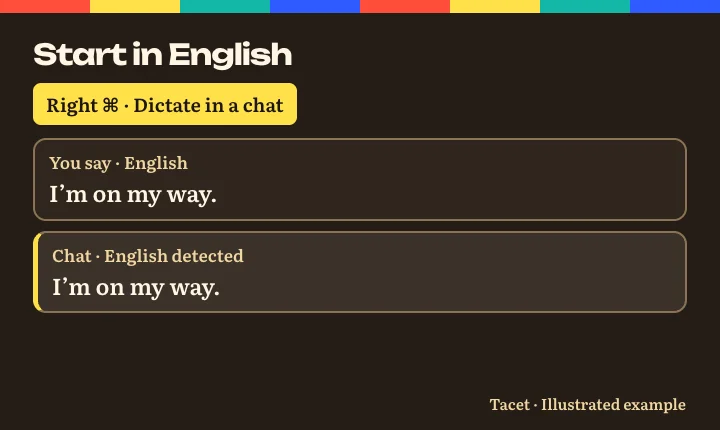
Dictate a chat message in one language and your next email in another. Tacet can detect the language each time, so you can keep going without changing settings.
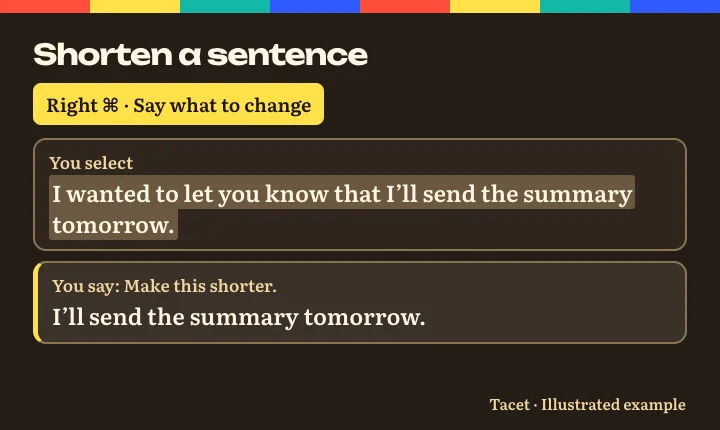
Select the sentence and say “Make this shorter” or “Translate this into Spanish.” Tacet can replace the highlighted text with the result. Voice edits and translation use a text service you set up.
Keep the habit of speaking instead of typing. With Tacet, you can dictate a reply in a different language or tell it how to change a sentence you’ve already written.
Download Parakeet in Tacet’s settings to recognize speech on your Mac, or connect an online speech service. Rewriting and translation use the text service you choose.
Look up your dictation in History. Tacet also restores what you had copied before it put the new text into your app.
See the recording indicator and how the finished sentence appears in the app.
Choose the download for Apple silicon or Intel. Drag Tacet into Applications.
Choose how to recognize your voice, allow microphone access and grant permission to insert text.
Put your cursor where you want the words. For voice editing or translation, connect a text service in settings.
Free download · 16–17 MB · macOS 14+ · Apple silicon and Intel
Pick the file ending in arm64.dmg for Apple silicon or x86_64.dmg for Intel. On your Mac, open About This Mac to check which you have.
Tacet is free to download and use. If you connect an online speech or text service, that service can have its own limits or fees.